new document
Creating a "New Document" is a fundamental feature in the file platform that allows users to create individual documents with detailed information and specific metadata.
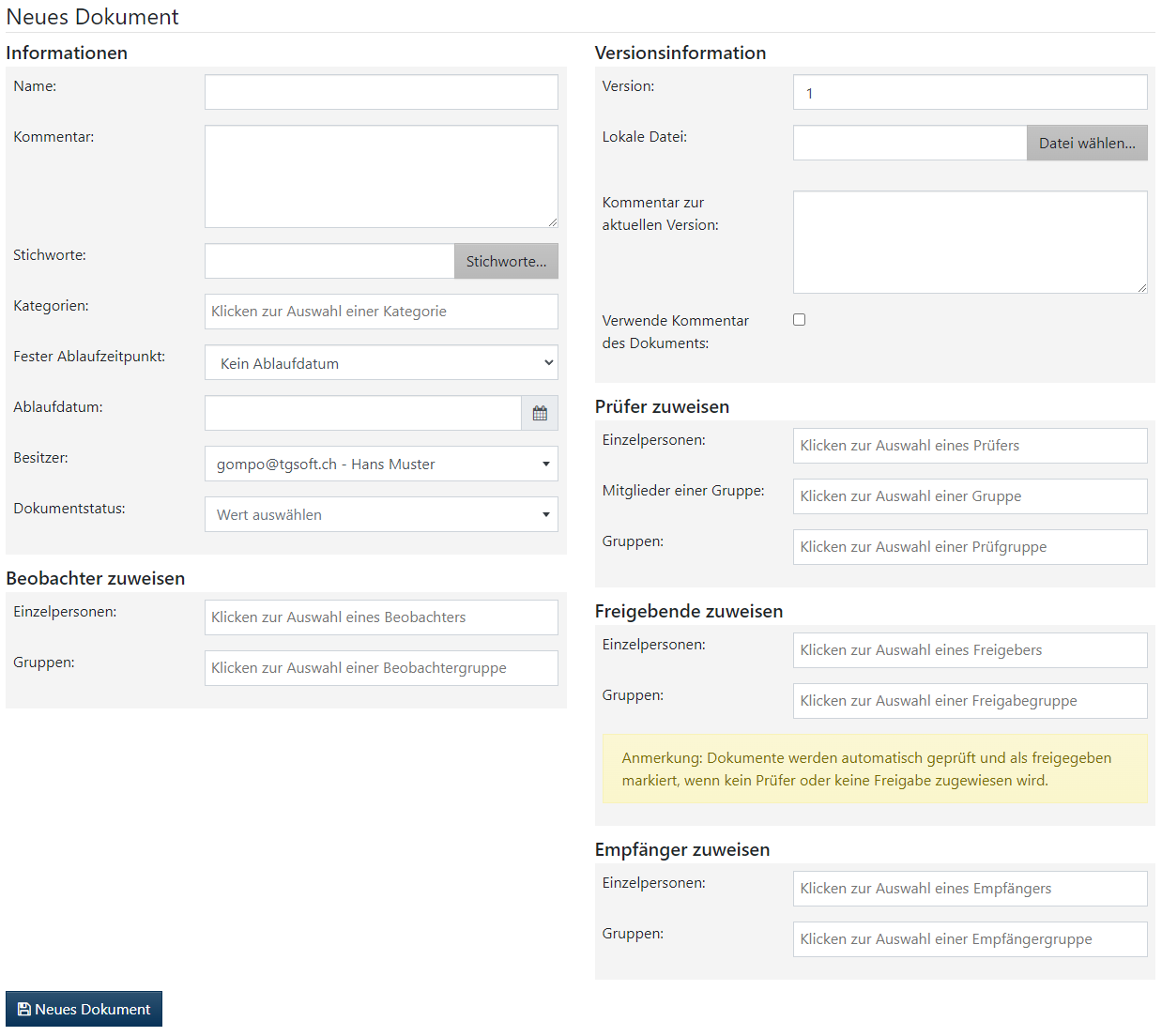
- Navigate to the document creation area:
- Select “New Document” from the menu.
- Enter document details:
- Enter all relevant information about the document, including title, description, and metadata to be assigned.
- Upload file:
- Upload the file you want to associate with the document. This can be done by clicking on “Select file” or by dragging and dropping.
- Set permissions:
- Specify which users or groups should have access to the document.
- Save document:
- Check all entries and click “Save” to save the document in the file platform.
- Review and further processing:
- Review the newly created document and make further adjustments if necessary.