Access
Access to the project space is controlled through a carefully designed process aimed at ensuring the security and efficiency of project delivery. Initially, the main user of the project space is identified and set up in close cooperation with the project space operator. This initial registration is a crucial step to ensure that the main project owner is appropriately authorized and equipped to perform his or her duties in the project space.
After the primary user is successfully enrolled and their account is activated, further user enrollment is in their hands. The primary user has the authority and responsibility to create and manage additional user accounts as needed. This process allows the primary user to enroll team members and project stakeholders at their discretion and grant them access to the project space.
The main user therefore has an important responsibility: He must ensure that every additional user registered in the project space has the necessary qualifications and authorizations to access the project-related data and information. This decentralization of user management enables flexible and efficient handling of project tasks and ensures that the project space can be dynamically adapted to the changing requirements of the project.
In this process, the project room operator places great emphasis on ensuring that the main user has the necessary tools and knowledge to carry out user management competently and safely. This approach ensures that the project room remains an effective, safe and smoothly functioning workspace for everyone involved.
Log in
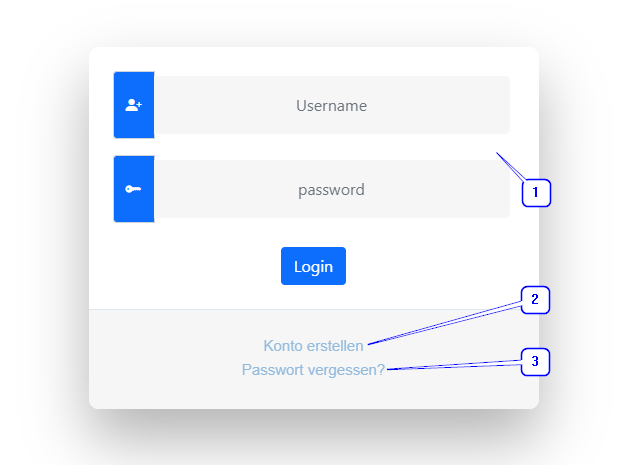
- Access data input fields : When logging into the project room, users must enter their access data in the input fields provided. These fields are usually clearly marked and include user name (email) and password.
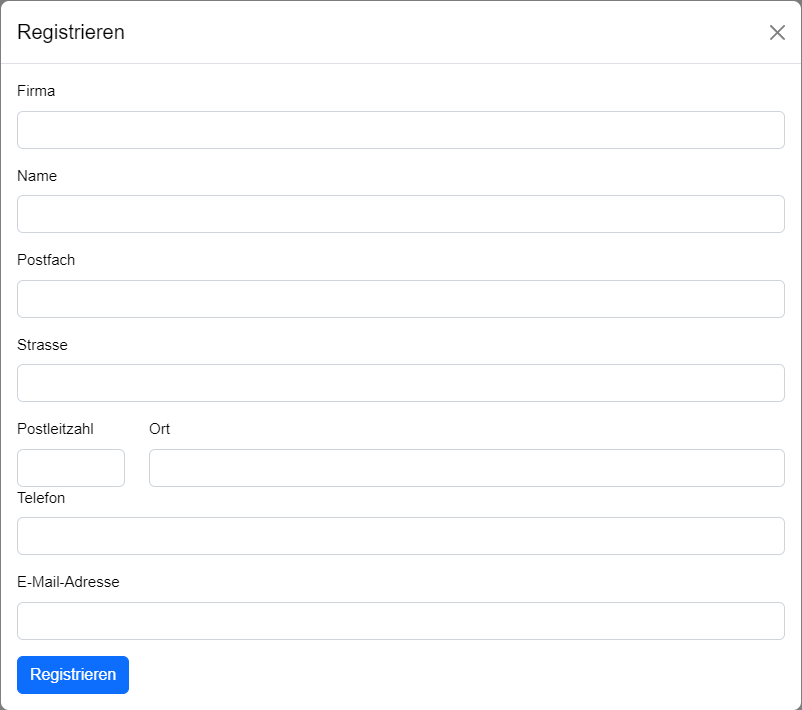
- Create an account : If you are interested in having your own project room, you have the option to register. To create an account, please fill out the form provided and submit it. This form collects all the information required to set up a new user account. After your registration has been submitted, the project room operator will contact you to review and then activate your account.
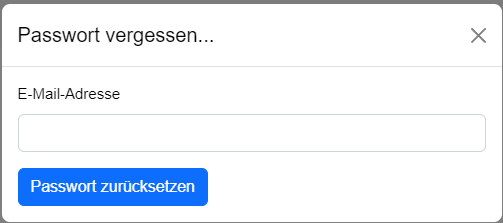
- Forgot password : In case users have forgotten their password, there is a function to reset it. By clicking on the corresponding "Forgot password?" link, the user will be prompted to enter their email address. Then an email with instructions on how to reset the password will be sent to the specified address.
Forgot Password?
After you enter your email address in the field provided and click "Send", you will be sent a password reset email.
In this email, you will find a link labeled "New Password." Clicking this link will take you to a secure page where you can enter your new password. It is important to choose a strong and secure password that is difficult to guess.
Once you have set your new password, you can use it to log back into your Project Space account. This ensures that you still have access to your project data and resources even if you forget the original password.
create Account
Creating a user account takes place in several steps.
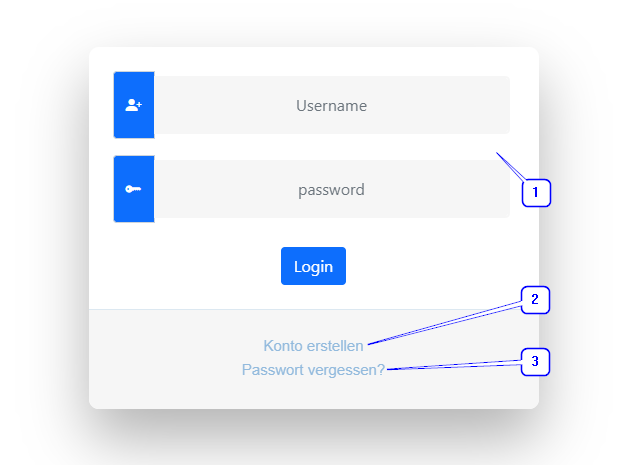
- First, go to the login page and click on "Create account", which you will find under point 2 in the picture.
- After clicking on it, a registration form will open. Enter all the necessary information and then click on the "Register" button.
- In the next step, you will receive an email to confirm your email address. After confirmation, the project room operator will be informed that a user account has been registered. The project room operator will then carry out further clarifications and finally activate your account.
- After your account has been activated, you will receive the access data for your personal project room.