Versioning
Versioning in the file platform makes it possible to track changes to documents and restore previous versions. This is particularly valuable in environments where documents need to be regularly revised and updated.
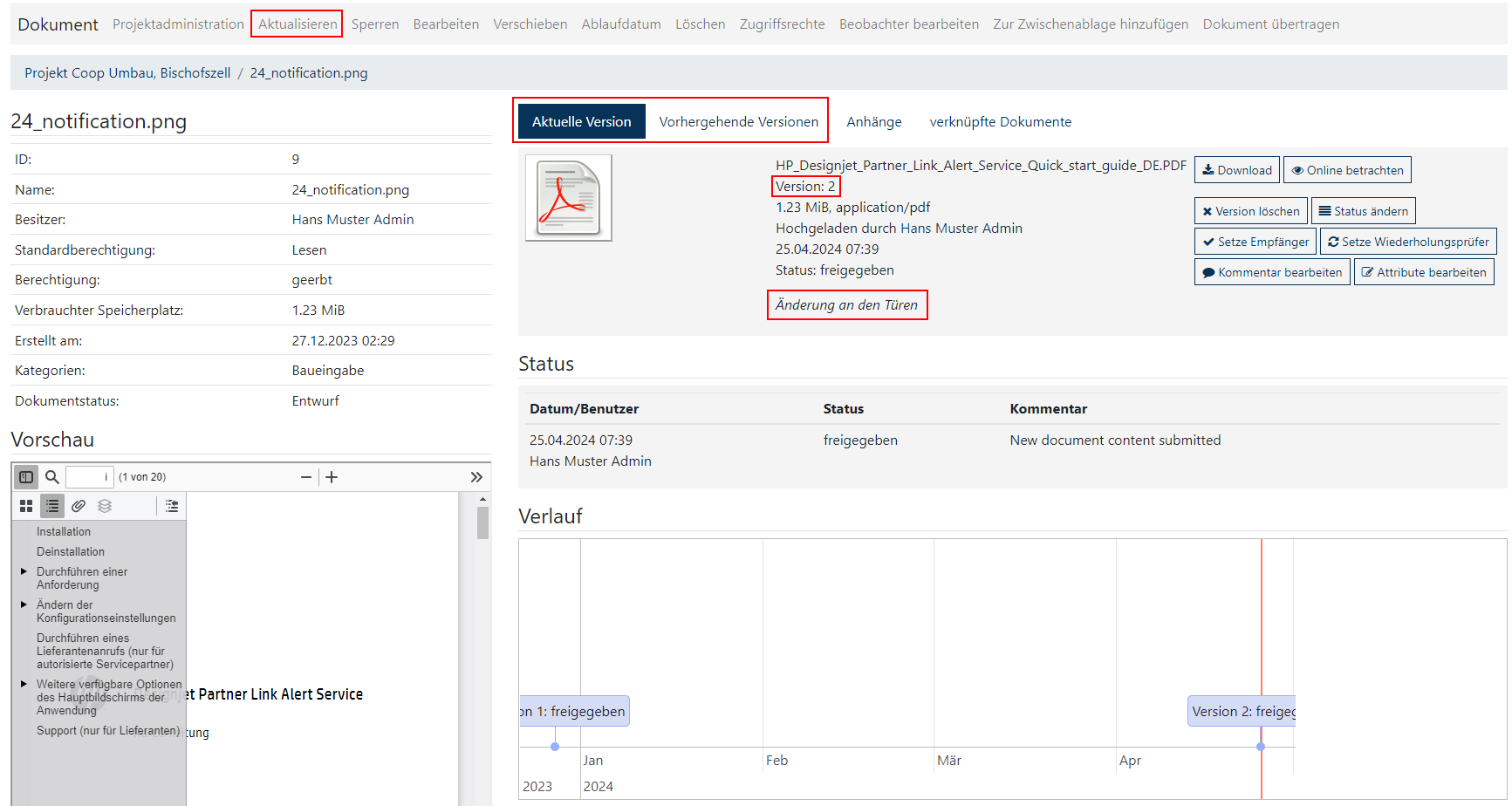
How versioning works
Version creation:
- Every time a user edits and uploads a document, a new version is automatically created. This is stored alongside the original version of the document so that a chronological history of changes can be seen.
Version overview:
- Users can view a list of all versions of a document, including details such as date modified, who made the change, and comments on each version.
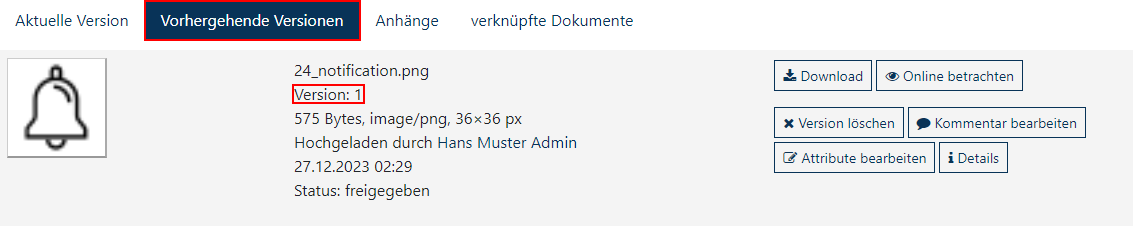
Revert to a previous version:
- If necessary, users can revert a document to a previous version. This is useful when errors need to be corrected or changes need to be undone.
Document version management
Checking versions:
- Users can view or download any version of a document to review the content and changes.
Version comments:
- Each time a new version is created, comments can be added to explain the changes made or the reason for the new version.
Controlling access:
- Version management can be controlled through permission settings so that only authorized users can make changes or view older versions.