New function
QR code version control
When preparing print orders, the client has the option of integrating a QR code at the top of the plan. The original file remains untouched.
Scanning the QR code with a smartphone reveals whether the document is available in its latest version.
“Version” means the automated re-creation by the platform of documents with the same name or of documents that automatically receive a new version using the “Update” option (after selecting a document).
The ability to check the QR code version is available as an option by default when creating print orders in all current projects. However, the platform administrator has the authority to disable or make this QR code selection option mandatory for clients in the project settings. In addition, the administrator can set a preset position for the QR code on the plan, whereby the client can choose to place the QR code in a different place during the ordering process.
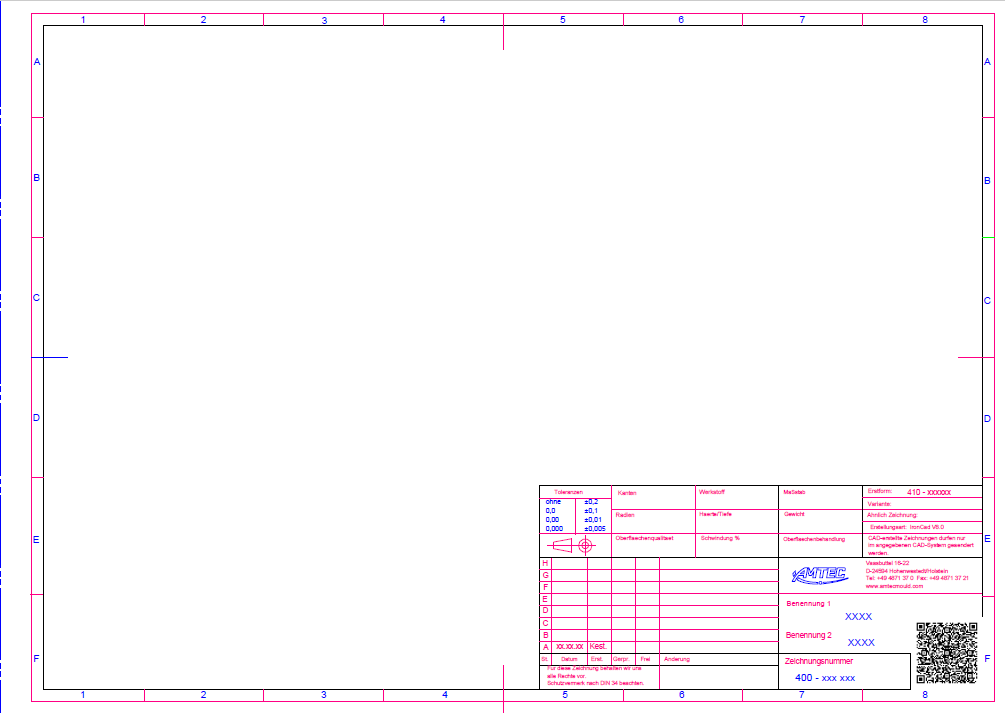
Order plan with QR code | 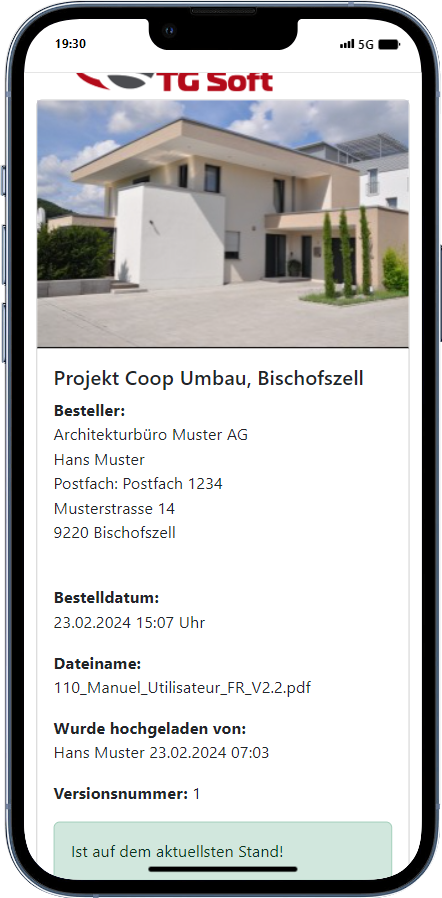 Plan information on your mobile phone |
Notifications
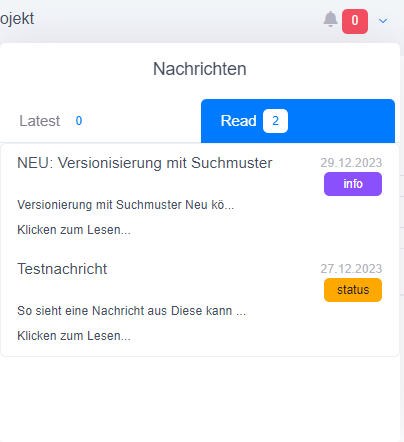
Up-to-date
The introduction of the new information function in the project room ensures that all users always have access to the latest information about the project room. This function provides a comprehensive overview of upcoming updates, new features and possible disruptions that could affect work in the project room.
The continuous provision of up-to-date information is intended to help users use the project space more efficiently and implement their projects successfully. In addition, tips are published at regular intervals to optimize the use of the functions in the project space and increase productivity.
It is recommended to regularly check the latest information and tips to make the most of the project space.